

For the car
What is Android Auto and how does it work in the car?
Android Auto is Google's system that brings your Android phone's apps to the car screen: Google Maps or Waze, music, calls, and messages it reads aloud so you can reply by voice. It works over a USB cable or wirelessly. It is the CarPlay equivalent for people who use Android instead of an iPhone.
Wired or wireless
With a cable, you plug the phone into the USB port and the screen shows Android Auto. In the wireless version, the phone connects over Bluetooth and then 5 GHz WiFi, and it starts automatically when you get in the car.
The wireless version requires a phone with Android 11 or later (some models from Android 10) and 5 GHz WiFi.
Add-on screens for the car
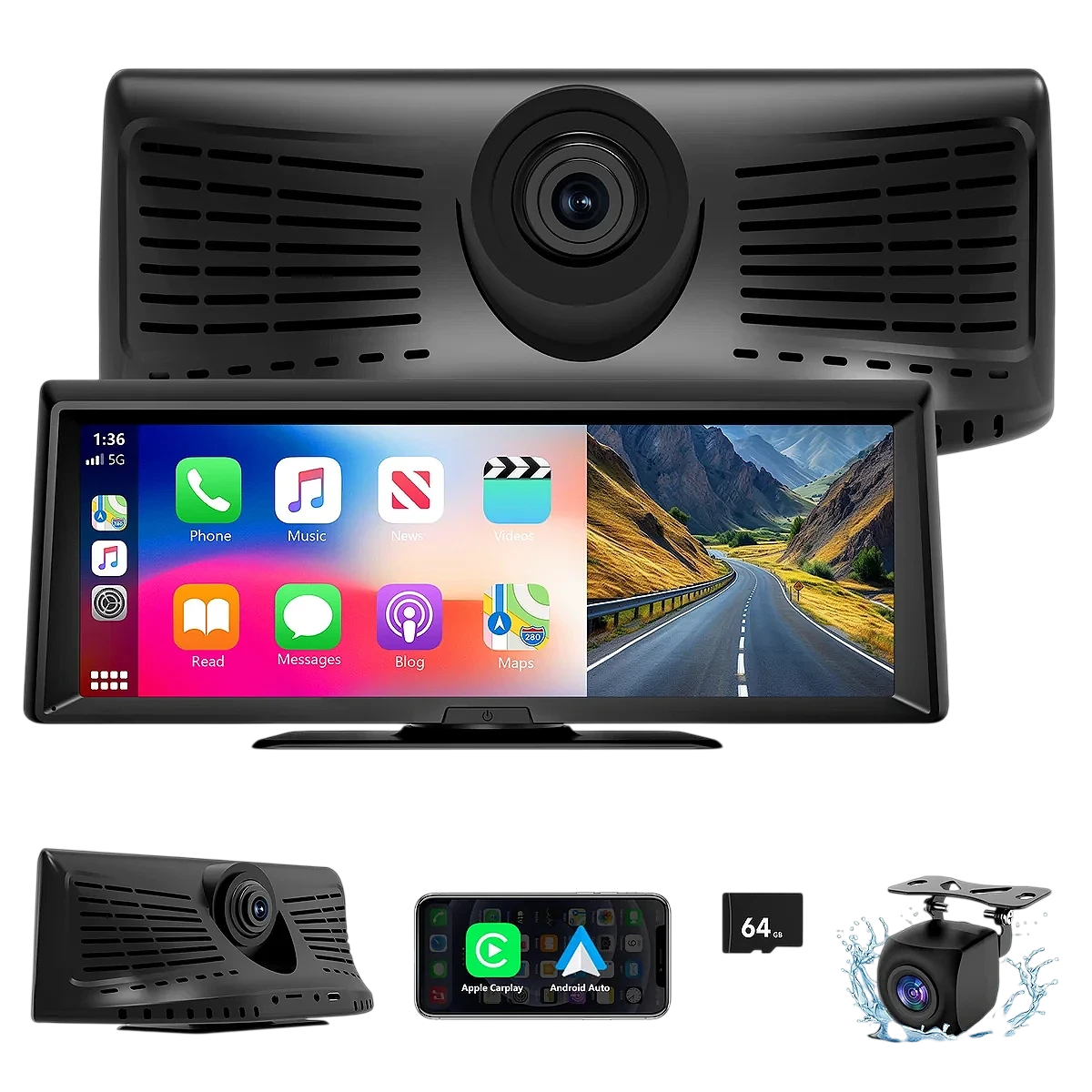
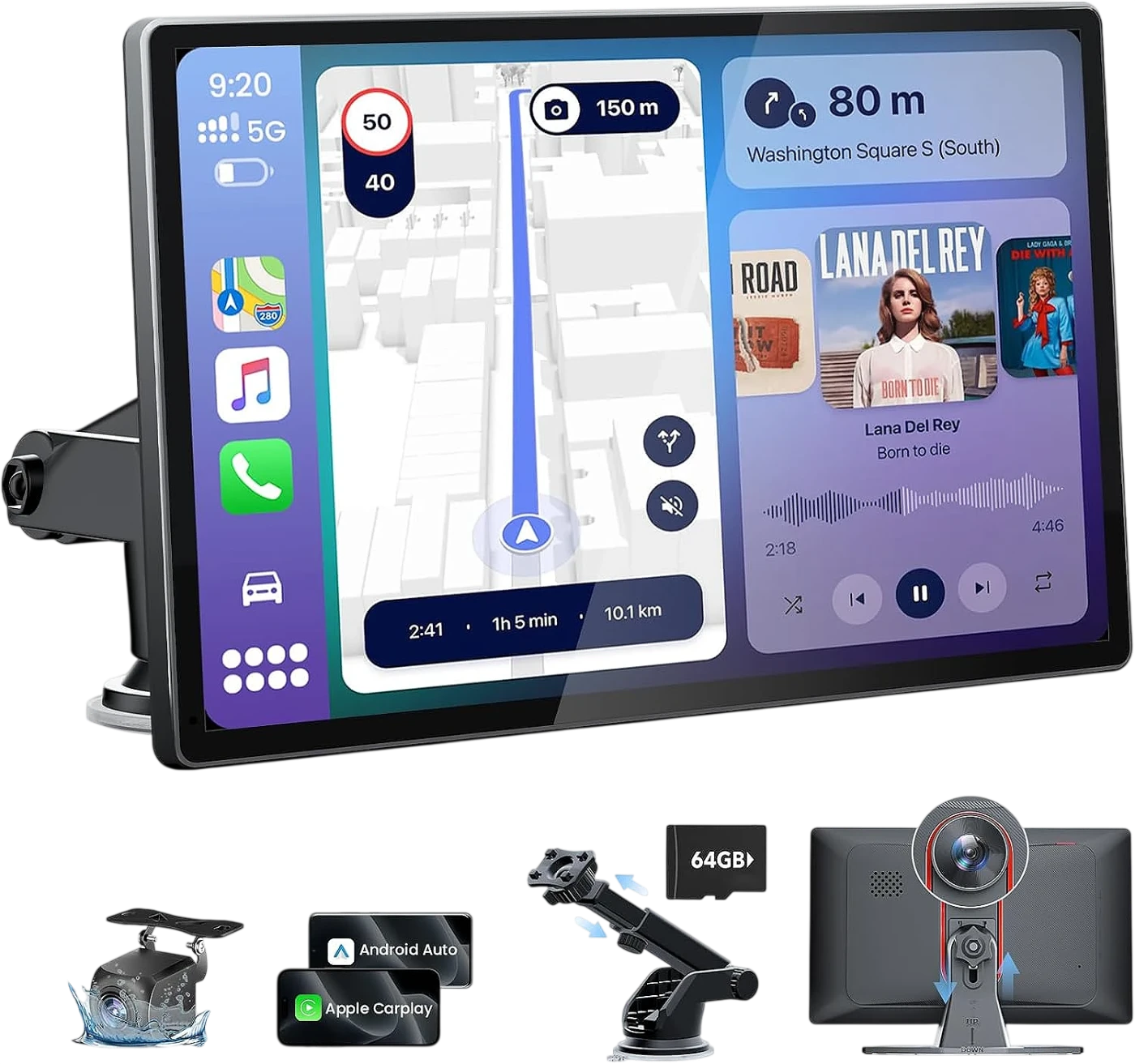
If your car does not have Android Auto, a dashboard screen adds it without replacing the original stereo: it is powered from the lighter socket and sends sound over Bluetooth, FM or an aux cable. Many include Android Auto and CarPlay together.
What you see on the screen comes from the phone: maps and music use its mobile data and GPS, so a plan with enough data for your trips helps.
What to check before you buy
- Make sure the screen says Android Auto, not just CarPlay.
- For wireless use, check that your phone has Android 11 or later and 5 GHz WiFi.
- Check how the sound comes out (Bluetooth, FM or aux) depending on your car's stereo.
Products with Android Auto in our store
This is how it appears on their spec sheet. Open each one to see all its specifications.
Frequently asked questions
Yes, Waze is compatible with Android Auto, as are Google Maps and the main music apps.