

Connectivity
What is a voice assistant, and what does "works with Alexa" mean?
A voice assistant is software that understands spoken commands and carries them out: turning on a light, showing a camera feed or playing music. The most common are Amazon Alexa and Google Assistant. A product that "works with" one can be controlled from that assistant; it does not have the assistant built in.
Works with Alexa is not the same as having Alexa
A device that "works with Alexa" or "works with Google Home" can be linked to that platform and controlled by voice or from its app. To speak to it you also need something that listens: a smart speaker, a smart display or your own phone.
A device with "Alexa built in" does carry the assistant and the microphone inside: you talk straight to it. That is far less common, and the product page says so explicitly.
What you need for it to work
Linking is done from the manufacturer's app: you set the device up there first, then connect that account to Alexa or Google Home. Almost all of these devices connect over 2.4 GHz WiFi.
Commands travel over the internet to the assistant's servers, so without a connection voice control stops working even though the device stays on. Features also vary by product: with a camera, you can usually view the picture on a smart display; with a plug, you can switch it on and off and set schedules.
What to check before you buy
- Check which platform the product page names: Alexa, Google Home or both. They are not interchangeable.
- If you do not own a smart speaker, you can use the assistant's app on your phone.
- Confirm your WiFi has a 2.4 GHz network: most of these devices cannot join a 5 GHz one.
Products with Voice assistant in our store
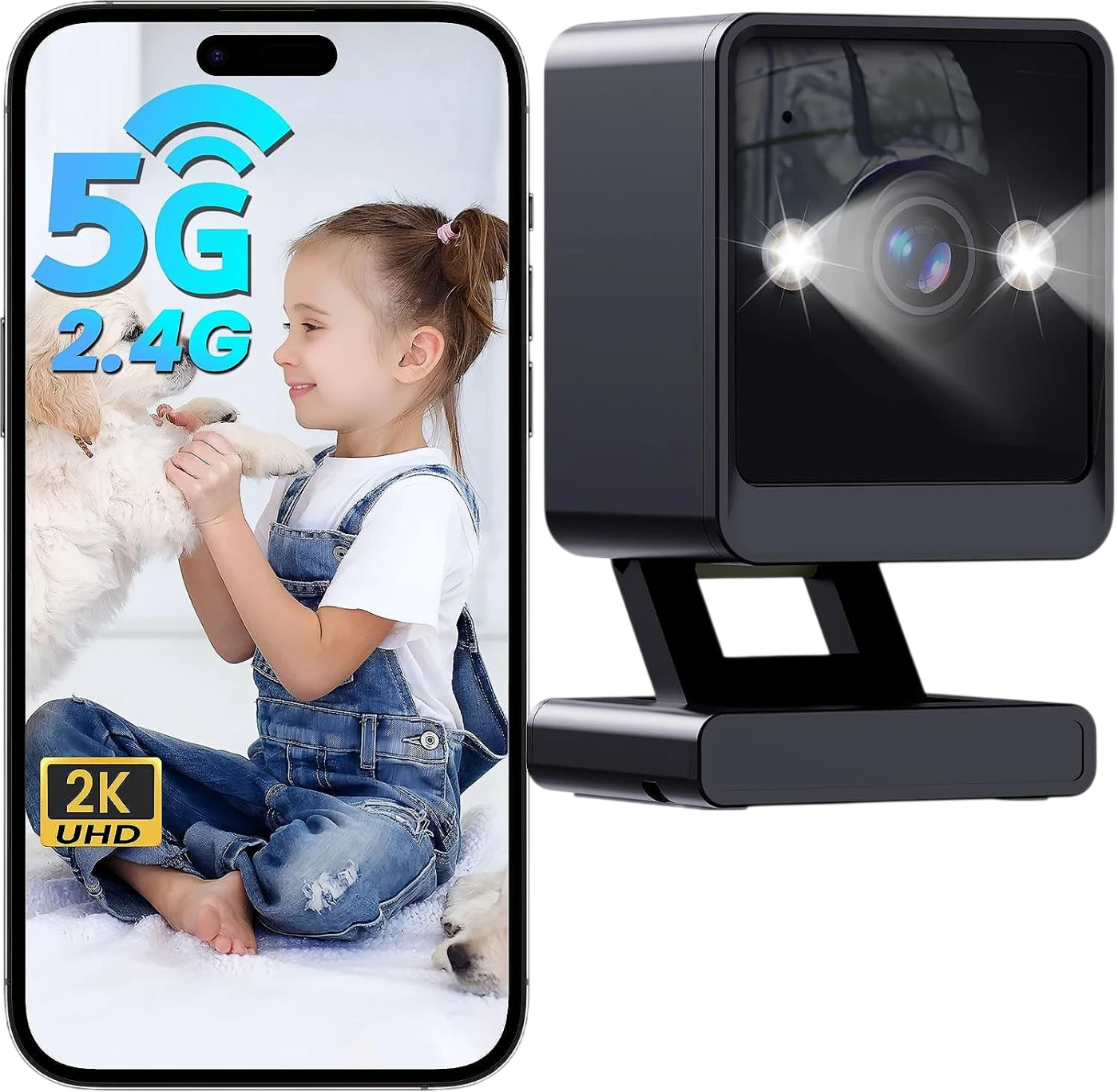
This is how it appears on their spec sheet. Open each one to see all its specifications.
Guides to help you choose
Frequently asked questions
It is not required. You can give commands from the Alexa or Google Home app on your phone. A speaker just makes it more convenient, because it is always listening.