

Connectivity
What is the difference between 2.4 GHz and 5 GHz WiFi?
A 2.4 GHz WiFi network reaches farther and gets through walls better, but it is slower and suffers more interference. A 5 GHz network is faster but has less range. Many smart home devices, such as cameras and locks, only connect to 2.4 GHz.
Why it matters when you buy a smart device
Smart cameras, plugs, bulbs and locks need range more than speed, so most of them use 2.4 GHz only. If your router broadcasts both networks under the same name, the device sometimes fails to set up.
The usual fix is to split the networks in the router (one name for 2.4 GHz and another for 5 GHz) or to connect your phone to the 2.4 GHz network during setup.
Which one to use for what
For high-resolution video close to the router, 5 GHz. For a device far from the router or with walls in between, 2.4 GHz.
What to check before you buy
- Before buying a WiFi camera or lock, confirm your router broadcasts on 2.4 GHz (almost all do).
- Check whether the device says "2.4 GHz WiFi" or "dual band".
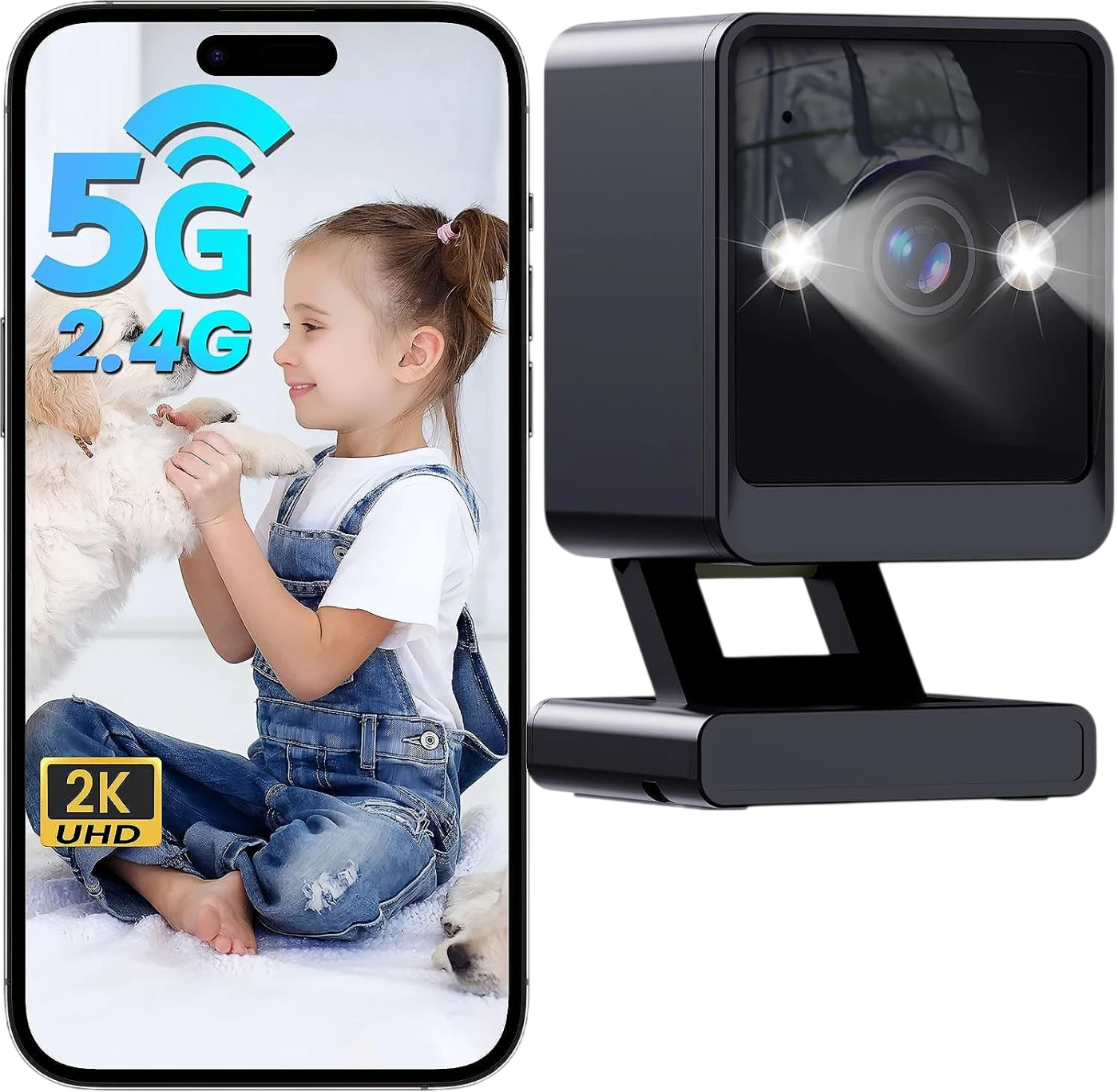
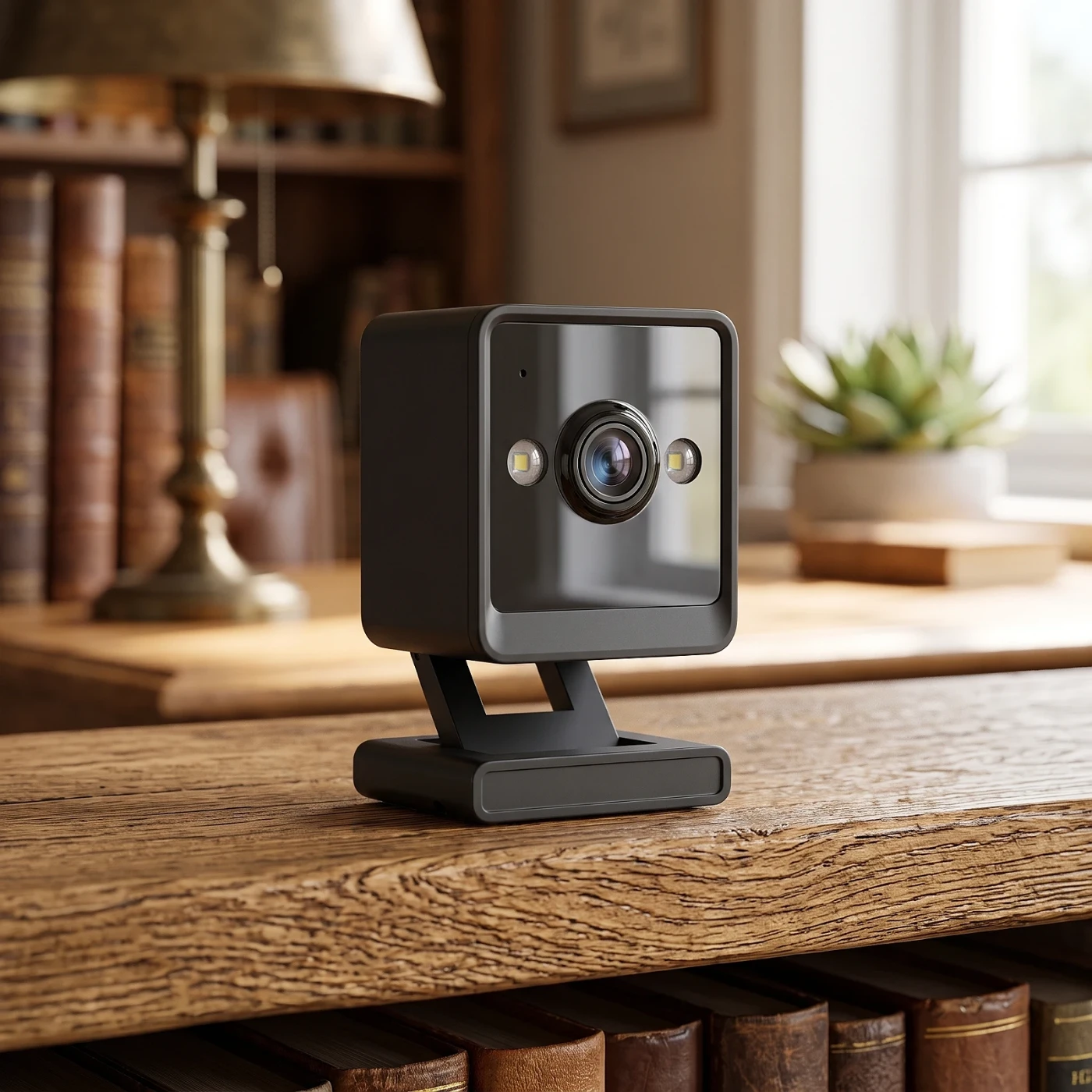
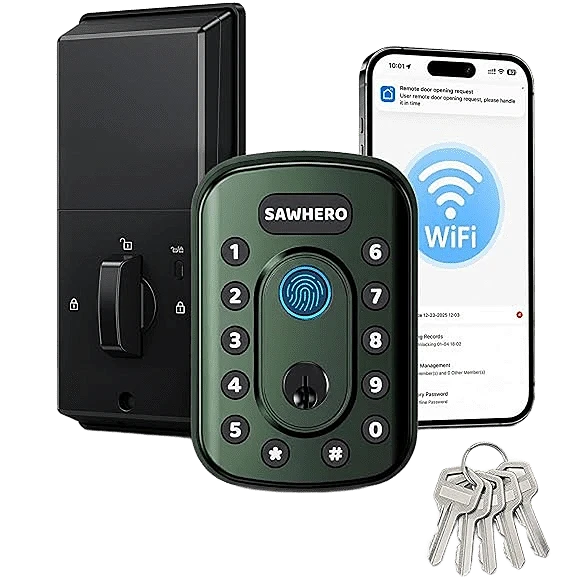
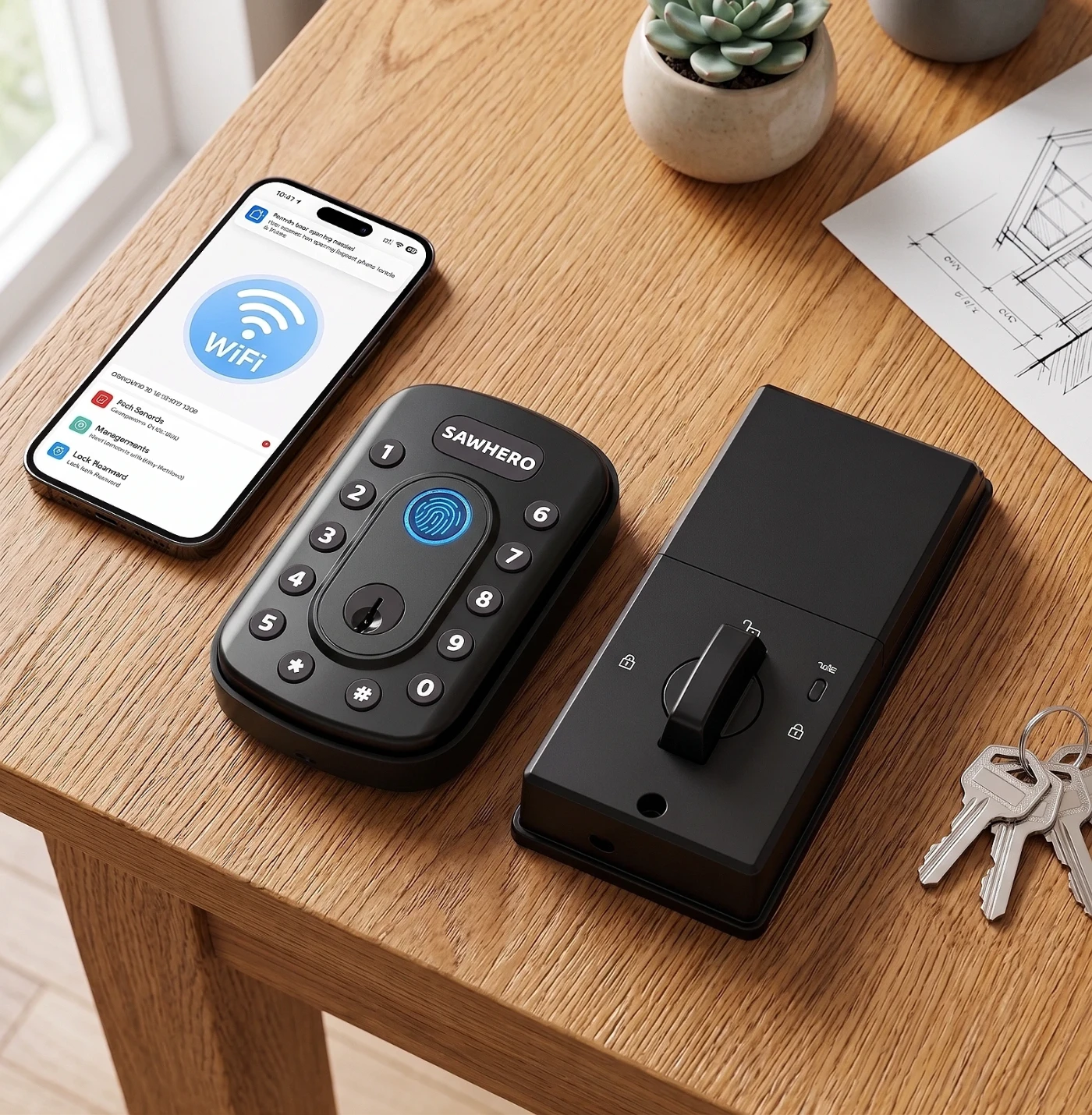
Products with 2.4 GHz and 5 GHz WiFi in our store
This is how it appears on their spec sheet. Open each one to see all its specifications.



Guides to help you choose
Frequently asked questions
Most often the phone is on the 5 GHz network and the camera only accepts 2.4 GHz. Connect the phone to the 2.4 GHz network and run the setup again.